Remove Background From Any Image In Full HD
KVAI Cutout is a free background remover that works in your browser. Pick a photo and get a clean cutout with the hair and edges kept, as a full HD PNG. Your photo never leaves your device.
From your gallery or camera
No photo? Try one of these
- 10 free every month
- Full HD PNG download
- Photos stay on your device
How It Works
A Clean Cutout In Three Steps
No sign up for your first 10 photos each month. No app to install.
- Step 1
Pick A Photo
Drop it on the box, choose it from your phone or computer, or paste it with Ctrl + V. JPG, PNG and WebP all work.
- Step 2
Wait A Few Seconds
An AI model in your browser finds the person or product and cuts it out. The first photo takes longer while the model loads.
- Step 3
Download Or Add A Background
Save a transparent PNG at the size of your photo. Or put it on white, any colour or a blur of the old background first.
Edges That Look Real
A cutout is only as good as its outline. The model is made for the hard parts, so you spend less time fixing edges by hand.
Hair
Loose strands and curls are followed closely instead of being cut off with a hard line.
Fur
Pets and soft toys keep their soft outline, so they do not look pasted on.
Shiny Products
Bottles, jars and jewellery come out with sharp, clean outlines that are ready for a catalogue.
Works best when the person or product stands clearly in front of the background. A subject in almost the same colour as the background can still leave rough spots.
Made For Everyday Photos
Shops, sellers, students and job seekers use it for the same reason. A plain background makes a photo look ready.
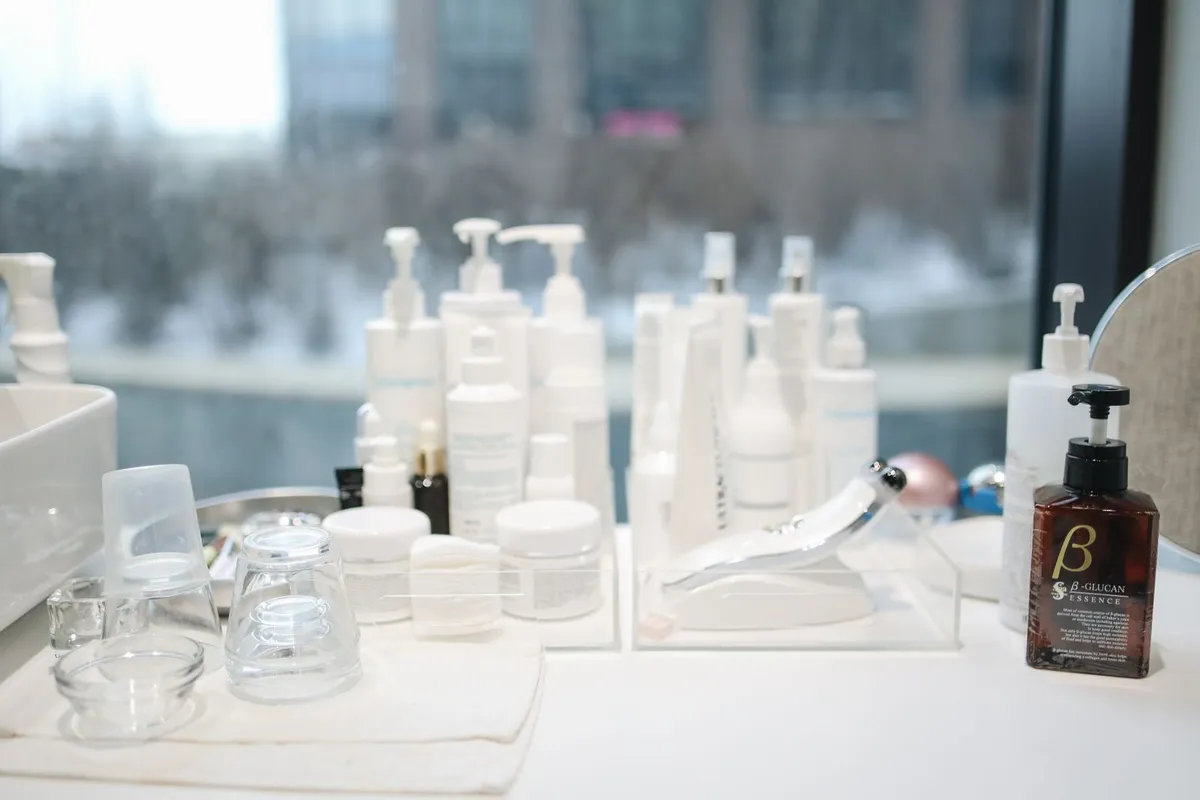
Shop Product Photos
Put every item on the same clean white or colour background, so your catalogue looks like one set.

Marketplace Listings
Big marketplaces ask for a plain white background on the main photo. Make one from a photo shot on your phone.

Profile Photos
Swap a messy room for a neat colour behind you, for LinkedIn, WhatsApp, a team page or a visiting card.
Documents And Forms
Many forms ask for a photo on a plain white background. Make one at home, then size it as the form asks.
Private By Design
Your Photo Stays With You
Many online background removers upload your photo to their servers first. This one does the work on your own device, the way a photo editor app on your phone would.
No Upload
Your photo is opened and cut out inside your browser. It never travels to our servers.
Nothing Stored
We do not keep your photos, your cutouts or even their file names.
Only A Count
Our server only counts cutouts each month, so the free limit and Pro work.
On Your Device
Your Photo
Full HD PNG
Sent To Our Server
No photo, no cutout and no file name. Just one number.
Pricing
Start Free, Go Unlimited For ₹199
10 free cutouts every month. Pro is one payment for 30 days of unlimited cutouts, in rupees. No auto-debit.
Free
For a few photos now and then
₹0
10 cutouts every month. No sign up.
- 10 Cutouts Every Month
- Full HD PNG Download
- Change Or Blur The Background
- Photos Stay On Your Device
- No Sign Up Needed To Start
Pro
For shops, sellers and studios with many photos
₹199/ 30 days
One payment. No auto-debit.
- Unlimited Cutouts For 30 Days
- Everything In Free
- Use It On Any Device You Sign In On
- Payment Receipt For Every Purchase
- No Auto-Debit
Key Facts About KVAI Cutout
- What It Is
- A background remover for photos that runs in your web browser.
- Free Plan
- 10 cutouts every calendar month, no sign up needed. No watermark.
- Pro Plan
- ₹199 for 30 days, unlimited cutouts. Prepaid by UPI, card or net banking, no auto-debit.
- Download
- Transparent PNG or JPG at the size of your photo, up to 16 megapixels, so a full HD photo gives a full HD cutout.
- New Background
- Clear, white, a ready colour, any colour, a blur of the old background or your own picture.
- Photo Files
- JPG, PNG and WebP. Up to 30 photos at a time, cut out one after another.
- Works On
- Latest Chrome, Edge, Firefox and Safari on phones and computers. No app to install. The first photo is slower while the model downloads.
- What Is Stored
- A monthly count of cutouts, and your email if you sign in. Photos and cutouts are never uploaded or kept.
- Made By
- KVAI Solutions, India.
Last Updated
Questions People Ask
How do I remove the background from a photo for free?
Pick a photo in the box at the top of this page, wait a few seconds and download the cutout. The first 10 photos every month are free, with no sign up and no watermark. It works in the latest Chrome, Edge, Firefox and Safari on phones and computers, and JPG, PNG and WebP photos all work.
Is my photo uploaded to your server?
No, your photo is never uploaded. The background is removed by an AI model that runs inside your own browser, so the photo stays on your phone or computer and we never see it. The only thing our server gets is a count of how many cutouts you made this month.
Can I download the cutout in full HD?
Yes, the PNG keeps the size of your photo, so a full HD photo gives a full HD cutout, on the free plan too. Photos up to 16 megapixels keep their size and bigger ones are scaled down to that. The parts that were background are transparent, ready to drop on any design.
Photo ka background kaise hataye?
Photo ko upar wale box mein daaliye, kuch second rukiye aur cutout download kar lijiye. Har mahine 10 photo free hain aur sign up ki zaroorat nahi hai. Photo aapke phone ya computer se bahar nahi jaati. Naya background chahiye to white, koi bhi colour ya blur chun lijiye. हिंदी में: फोटो चुनिए, कुछ सेकंड रुकिए और PNG डाउनलोड कीजिए.
How do I make a white background for a passport or form photo?
Pick the photo, choose white as the background and download it as JPG. A JPG download always puts a clear background on white, which is what most forms ask for. The tool does not crop the photo to a set size, so crop and resize it afterwards to the size the form gives and check the form's own photo rules.
Can I use it for Amazon, Flipkart or Meesho product photos?
Yes, put the product on white and download a JPG, which suits a marketplace main photo. Big marketplaces such as Amazon ask for a plain white background on the main image. Check each seller guide for the size rules, and use the Erase and Restore brushes to tidy any rough edge before you upload the photo.
How many photos can I do for free?
You can do 10 photos free every calendar month, with no sign up. The count starts again on the 1st of each month (India time). Without signing in, the count is kept for the browser you use. Sign in with your email to keep it on your account instead. Pro gives unlimited photos for ₹199 for 30 days.
Can I remove backgrounds from many photos at once?
Yes, you can add up to 30 photos at a time and they are cut out one after another, in the order you added them. Each photo counts as one cutout, so the free plan covers 10 a month. For a whole catalogue, Pro gives unlimited cutouts for ₹199 for 30 days on any device you sign in on.
Can I put a new background behind the cutout?
Yes, keep it transparent, put it on white, one of the ready colours or any colour you pick, blur the old background or use your own picture. Then download the result as PNG or JPG at full size. The Erase and Restore brushes let you fix small spots by hand first, with undo if you go too far.
Which photos work best?
Photos where the person or product stands clearly in front of the background work best. Hair, fur and glass come out well. A subject in almost the same colour as the background, or a very busy scene, can still leave rough spots. You can fix those with the Erase and Restore brushes before you download the cutout.
Your Next Cutout Is A Few Seconds Away
Start with 10 free photos this month. Move to Pro for ₹199 when you have a whole catalogue to do.
- No sign up for the free 10
- Pay by UPI, card or net banking
- Photos never leave your device